Murder Mystery 2: how to get your DzikShop order (customer guide)
Ordered an MM2 weapon or set and not sure what happens next? Here is how pickup at DzikShop works step by step, why you need level 10 to trade, and how the Trade window works in Murder Mystery 2.
Redakcja DzikShop · · 6 min read
An MM2 knife, gun or set you ordered does not arrive like a package or a file. Someone from support meets you in the game and hands over the item through the normal Trade window. Below we describe how it looks from your side.
 Items for Murder Mystery 2 are in the DzikShop store
Before you order: a checklist
Six things worth sorting out first:
- You are at least level 10. According to the Murder Mystery 2 wiki, since 28 December 2021 only players at level 10 or higher can trade. It protects against item duplication. If your level is lower, play a few rounds first.
- You have your exact Roblox username. That means the username, not the display name. One typo and support is looking for someone else.
- You do not give your password. Delivery needs only your username. Nobody from support will ask for a password or an SMS code.
- Trade requests are turned on. Under the player list there is a button that turns off incoming trade requests. If you ever clicked it, support will not be able to send you a trade.
- You have time to join the game within a few minutes after payment.
- A parent or guardian knows about the purchase, if you are under 18. It is best to order together with them.
Step by step: from order to weapon
1. The order
You order on the dzikshop.pl website or on the DzikShop Discord server. You choose a weapon or a set and give your Roblox username.
2. Payment
Payments are handled by the operator HotPay. The available payment methods are shown at checkout.
3. Contact with support
Here it all depends on where you ordered:
- Order from the website. After paying, you open the order page (My orders). There is a chat with support. You can see who from support is handling your order, and you can send a picture, for example a screenshot from the game.
- Order from Discord. After paying, you get your own channel (ticket) on Discord and talk to support there.
In both cases support arranges with you how you will meet in Murder Mystery 2. Keep the chat handy, because it affects how fast you get the item.
4. Meeting in the game and the trade
A support member joins the same server as you and sends you a trade request. It usually takes a few minutes from the first contact, and longer at peak hours. How the trade window itself works is described below.
How trading (Trade) works in Murder Mystery 2
Trading in MM2 happens in the official game window. According to the wiki, it goes like this:
- Trade request. One player clicks the other player's name in the player list in the top right corner. A small menu appears with the Profile and Trade buttons. After you click Trade, the other person sees the request and can accept or decline it. Accept the one from the support member whose username you have in the chat.
- Trade window. After you accept, the window covers the whole screen. On the left side you have your inventory, and next to it you see what the other side is adding. You add an item by clicking it.
- Countdown. After every item that is added, you have to wait 6 seconds before you can accept. This is time to check what is in the window.
- Acceptance. The trade goes through when both sides accept it.
One trade fits 4 different items, each in several copies. A set is usually a knife and a gun from the same event, so it takes two slots in the window. With a bigger order there can be several trades one after another.
What to check in the trade window
Before you click accept, use those 6 seconds:
- Weapon name, whether it is really the one from your order.
- Weapon version, for example a regular one or Chroma, if you ordered that. Chroma is a version of a Godly weapon that smoothly changes colors.
- Number of copies, if you ordered several.
- Completeness, if you ordered a set: whether both items are there.
If something does not match, do not accept. Write in the order chat and only then continue. When you pick up an order, you do not add anything yourself, so your side of the window stays empty.
When the trade gets stuck
The MM2 wiki describes a few known bugs of the trade window. It is good to know about them so you do not stress:
- You cannot add items. Sometimes the window does not accept items from either side.
- Both sides accept, but the trade does not go through. Such a trade will not finish anymore, you have to start a new one.
- The window breaks and you have to rejoin the server.
In each of these cases, take a screenshot and write in the order chat. With an order from the website you can send the picture straight to the chat. Support will understand the problem faster than from a long description.
Practical tips for pickup time
- Join the game before support writes. If you are sitting in the menu or in another game, everything drags on.
- Playing on a phone? Check requests in advance. According to the wiki, the button that turns off trade requests cannot be switched on phones, so there you usually do not need to change anything. On a computer, make sure requests are turned on.
- Do not walk away from your computer or phone until the weapon shows up in your inventory.
- Watch out for impersonation. You only talk in your order chat or in your own ticket. If someone writes in a private message that they are from DzikShop and asks for a password or for "give your weapon first", that is a scammer. The Roblox Help Center also reminds you not to enter deals where someone asks you to "trust" them and hand something over first. More examples in the article how not to get scammed when buying Roblox items.
You have the weapon. What now?
The weapon is in your inventory and you can equip it before a round. The knife is useful when you get the Murderer role, and the gun when you are the Sheriff. How to play each role is described in the guide how to win in Murder Mystery 2. Where weapon values come from and how to trade safely with other players is explained in the article weapon value in Murder Mystery 2.
MM2 weapons and sets at DzikShop
The shop has single weapons and whole sets, for example:
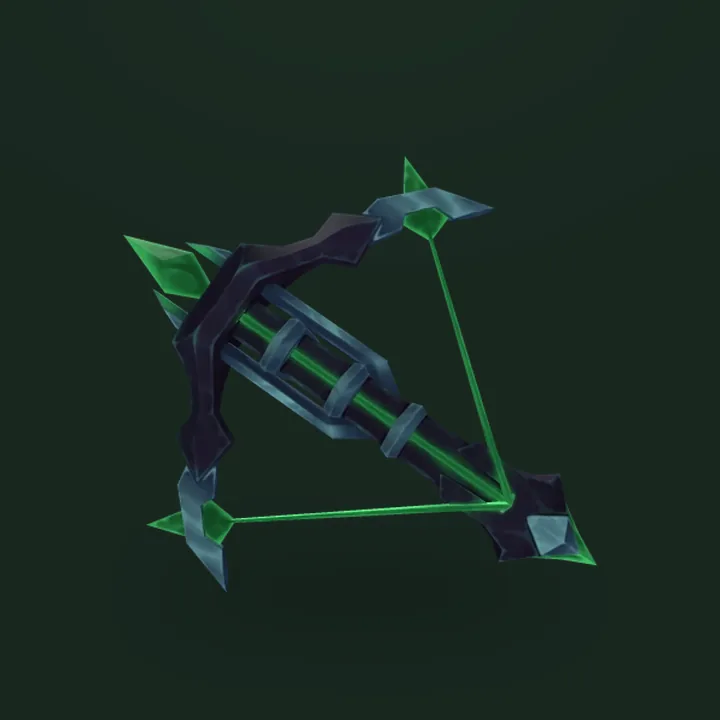
Harvester
Weapons
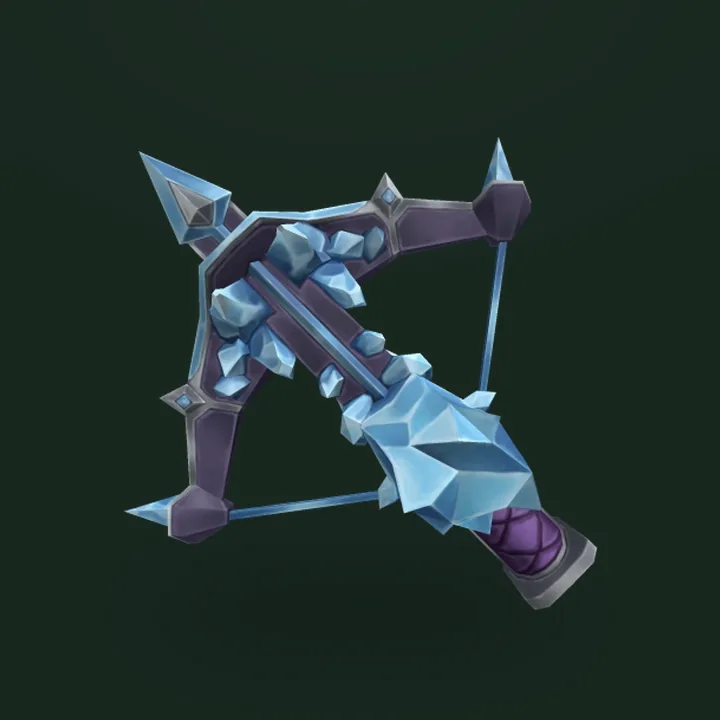
Icepiercer
Weapons

Candy Set
Weapons
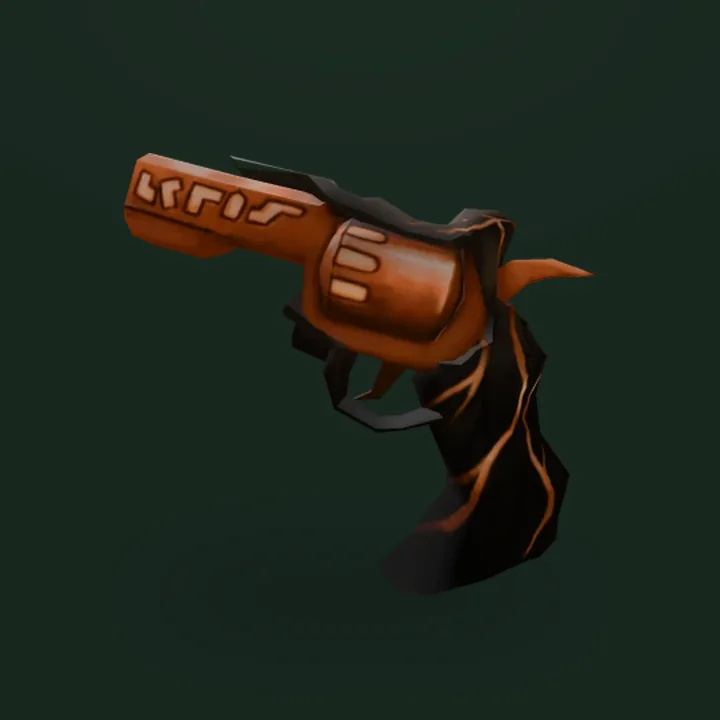
Elderwood Set
Weapons
We also describe the whole buying process in general in the article how to buy an item at DzikShop step by step.
DzikShop storeItems for Murder Mystery 222 items with prices, delivered through an in-game trade, only your username needed.Frequently asked questions
Do I need to give my Roblox password to get a weapon in MM2?
No. Delivery only needs your Roblox username. You never give your password to anyone, including the shop. If someone asks for it, they are not DzikShop support.
What level do I need to receive an item in Murder Mystery 2?
Level 10. According to the MM2 wiki, since December 2021 only players at level 10 or higher can use trading. A lower level will block the pickup.
How long does it take to get a weapon from DzikShop?
Usually a few minutes after you contact support. At the busiest hours it can take longer, because orders are handled one after another.
Why am I not getting a trade request in MM2?
Most likely you turned off trade requests with the button under the player list. Then nobody can send you a trade. Turn them back on before the pickup.
How many items fit in one trade in MM2?
Up to 4 different items, and each one can have several copies. A set with a knife and a gun takes two of the four slots.
Sources
DzikShop is not affiliated with Roblox Corporation or the developers of the games described. Roblox and game names are trademarks of their owners. Game information reflects the state on the day the post was published or updated, and games change often.
Read next
All posts
Murder Mystery 2 age rating: content, chat and trading for parents (October 2026)
Roblox rates Murder Mystery 2 as Moderate: repeated violence and light realistic blood. What that means for a child and which settings a parent can use.
Murder Mystery 2 Halloween 2026: Emberbow, Battle Pass and Halloween Box (October 2026)
Halloween 2026 in MM2 runs until 16 November. Battle Pass with Emberbow, Halloween Box with Embersickle, Emberscythe crafting and the Mortal Bundle. Prices and odds.
How to win in Murder Mystery 2: tips for Innocent, Sheriff and Murderer
A Murder Mystery 2 guide: how to survive as Innocent, when to shoot as Sheriff and how to play Murderer without getting caught. Maps and powers.